Main areas of Flows
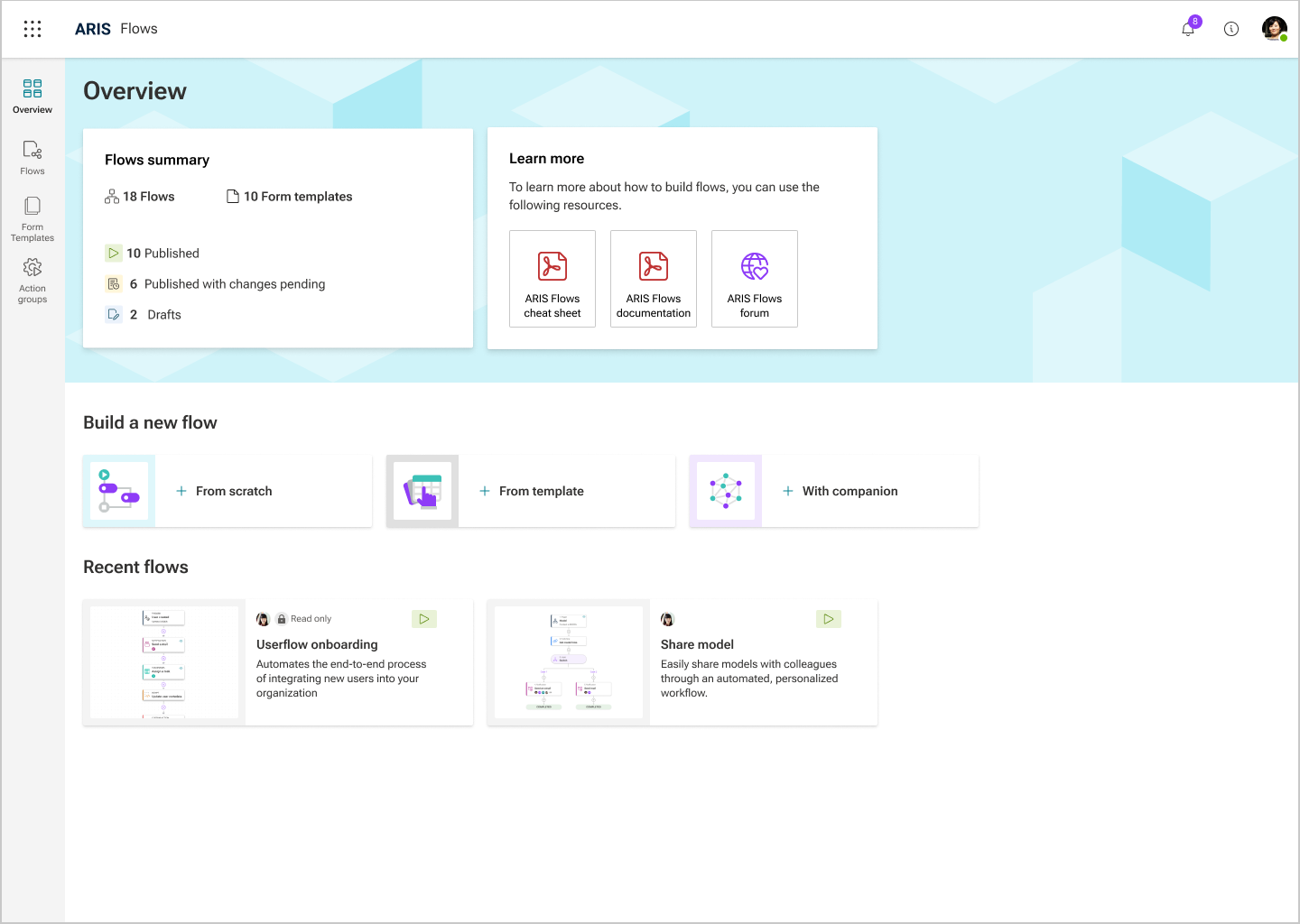
The main areas of Flows are:
Overview
The Overview page is the starting point for the Flows area. It provides a summary of all flows, including their current status, such as Draft or Published . The Overview page also shows recently accessed flows and enables you to quickly create new flows, either from scratch or using a template, or with the AI Companion, if available.
Flows
The Flows page provides the complete list of all available flows and essential operations for effective flow management, such as listing, editing, publishing, and viewing flow details.
Form templates
The Form templates page displays the complete list of all available templates and serves as the starting point for creating new form templates. Form templates provide a reusable foundation for forms that flow managers use in the form builder. This helps to standardize and streamline form creation across workflows.
Action groups
The Action groups page displays the complete list of all available action groups. Action groups allow users to create personalized custom actions, enabling seamless integration of various external services and applications into their workflows. On this page, you can create an action group, as well as edit, or delete custom actions. Action groups are displayed in the flow builder as their own action category, including the corresponding custom actions.